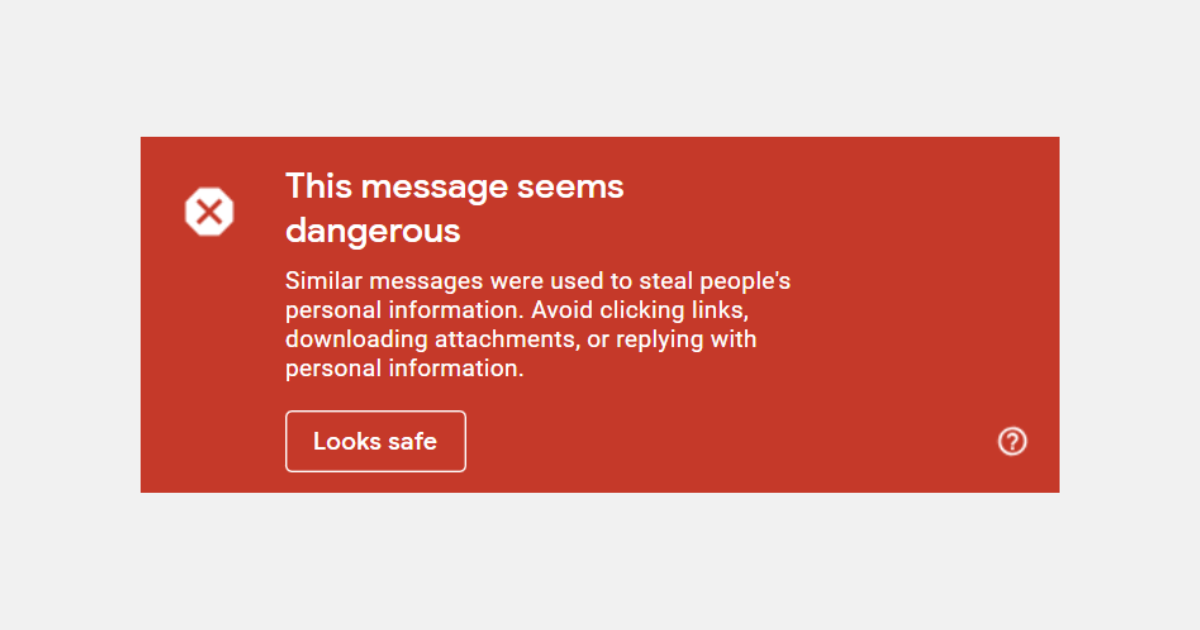
Why are my Shopify / Klaviyo emails going to SPAM?
Ugh! Another year, another set of requirements by another provider. Is that also what you’re thinking?
Starting February 1st, major email providers like Gmail and Yahoo! began enforcing new sender requirements (also called Google and Yahoo’s Bulk Sender Requirements). These changes are aimed at protecting inboxes from spam and ensuring that only legitimate emails reach your subscribers.
Why are your Shopify / Klaviyo emails going to spam?
If you’re not following these new Email Sender Requirements, your marketing emails might be getting flagged as spam. These updates impact anyone sending emails in bulk - especially if you’re using Shopify and Klaviyo to communicate with your customers.
Do I need to follow these Email Sender Requirements?
You need to follow these requirements if you are sending marketing emails to your customers, and you need to avoid those emails landing in spam and junk folders.
I recommend checking the Klaviyo Email Marketing Checklist if you are using Shopify with the Klaviyo integration.
What if I don’t follow these Email Sender Requirements?
While it is advisable to follow the new sender requirements, if you don’t adhere to them, your emails will start going to spam, and you will miss out on the sweet email revenue from your marketing emails.
How do I prepare for these Email Sender Requirements?
You need to follow these steps to prepare for the new sender requirements.
-
Setup a Dedicated Sending Domain
You need to have a dedicated sending domain (also called as branded sending domain) to send emails to your customers.
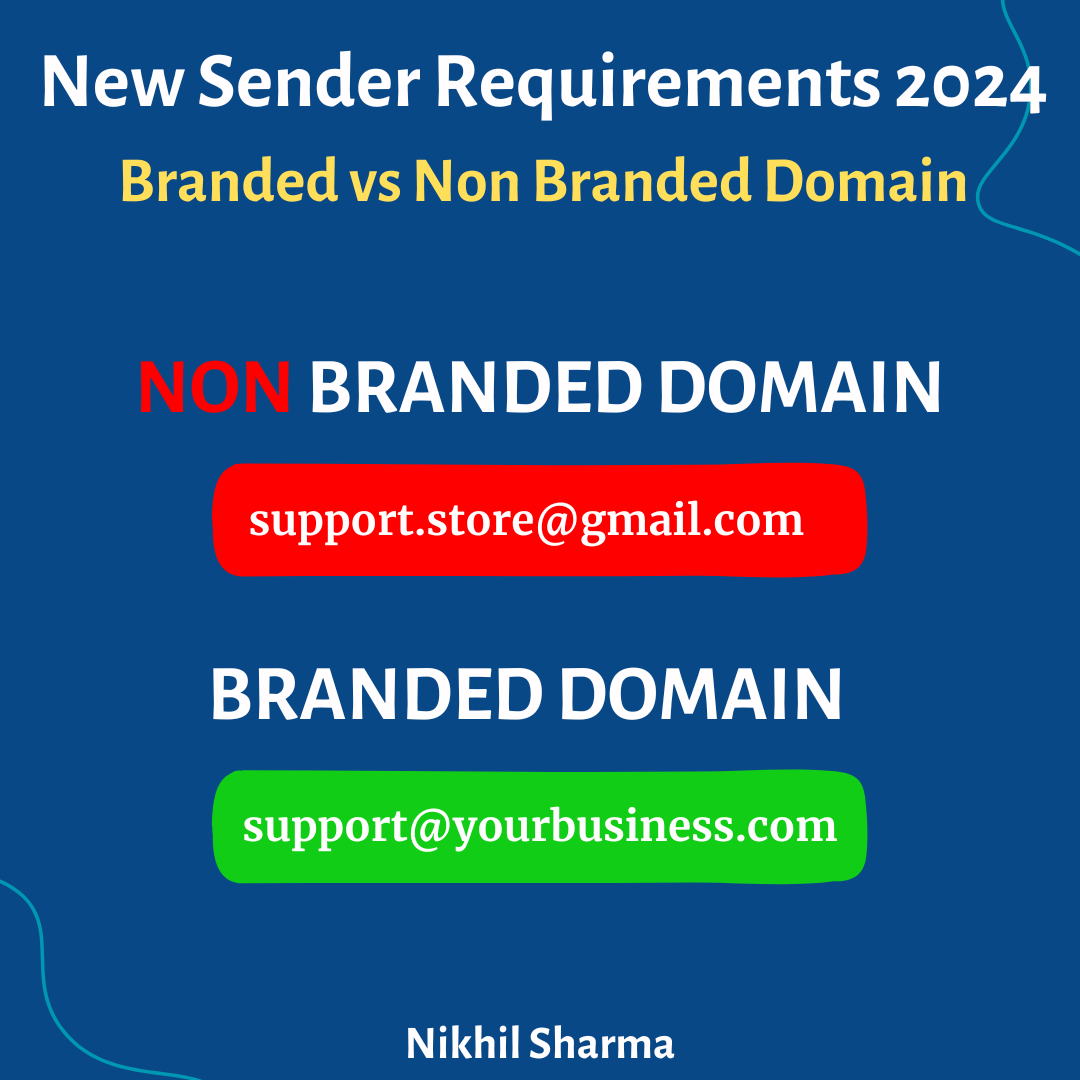
Get an email which is on your own domain, and configure it using these three major DNS records.
-
SPF (Sender Policy Framework) record.
-
DKIM (DomainKeys Identified Mail) record.
-
DMARC (Domain-based Message Authentication, Reporting, and Conformance) record.
Your email service provider (like Klaviyo, Mailchimp) will give you these records and you will need to add them in your DNS record (Godaddy, Namecheap Google Domains), basically from wherever you have purchased your domain name from.
-
Use a Dedicated Sender Domain instead of a Free Domain
Have you been using @gmail.com to send emails? Use @yourbusiness.com to send the emails instead of using the free domain name.
Using your custom domain can help you authenticate the emails better, select the custom domain name which you configured in the step above.
-
Include Unsubscribe Link in emails
Make sure to include an unsubscribe link in your emails that subscribers can click on if they no longer wish to receive emails from you. It’s better to have the link than to risk them marking the email as spam. Most email providers automatically add that link for you so make sure if ask your email service provider for it.
-
Only Send Relevant Emails
The universal requirement for sending marketing emails is to only send what your email subscribers need and to refrain from sending anything that you simply want to send. Keep the spam score low and send well-formatted emails that convert.
Video of the Article
Frequently asked questions
Why are my Shopify or Klaviyo emails going to spam?
Do I need to follow email sender requirements?
What happens if I don't follow email sender requirements?
How can I prepare for email sender requirements?
Get new posts in your inbox
Occasional notes on Shopify, paid ads, and what I learn. No spam.
Thanks — check your inbox to confirm.

Nikhil Sharma
I'm Nikhil Sharma. I write about Shopify, paid ads, email, and the systems I build for the DTC brands I work with.