
AI Automation for Ecommerce Teams
Most AI pitches to ecommerce brands are a chatbot on the storefront. The systems that have actually earned their keep for me are the ones nobody outside the team ever sees: the call that gets scored before the agent has hung up, the ad that gets flagged before the budget is wasted, the report that answers a question the owner asked in a sentence.
I build those. This page is what that looks like, what it costs, and how to tell whether your store has one worth building.
One call to find the task
Scope a build
Bring the task that wastes the most time and the tool it lives in. Fixed price within a day of the call, or the name of the simpler thing to do instead.
Want to see one running first
The write ups
Call scoring, the pre-call brief, the ads monitor and the weekly report, each with what it cost and what broke.
What I have built, with the write ups
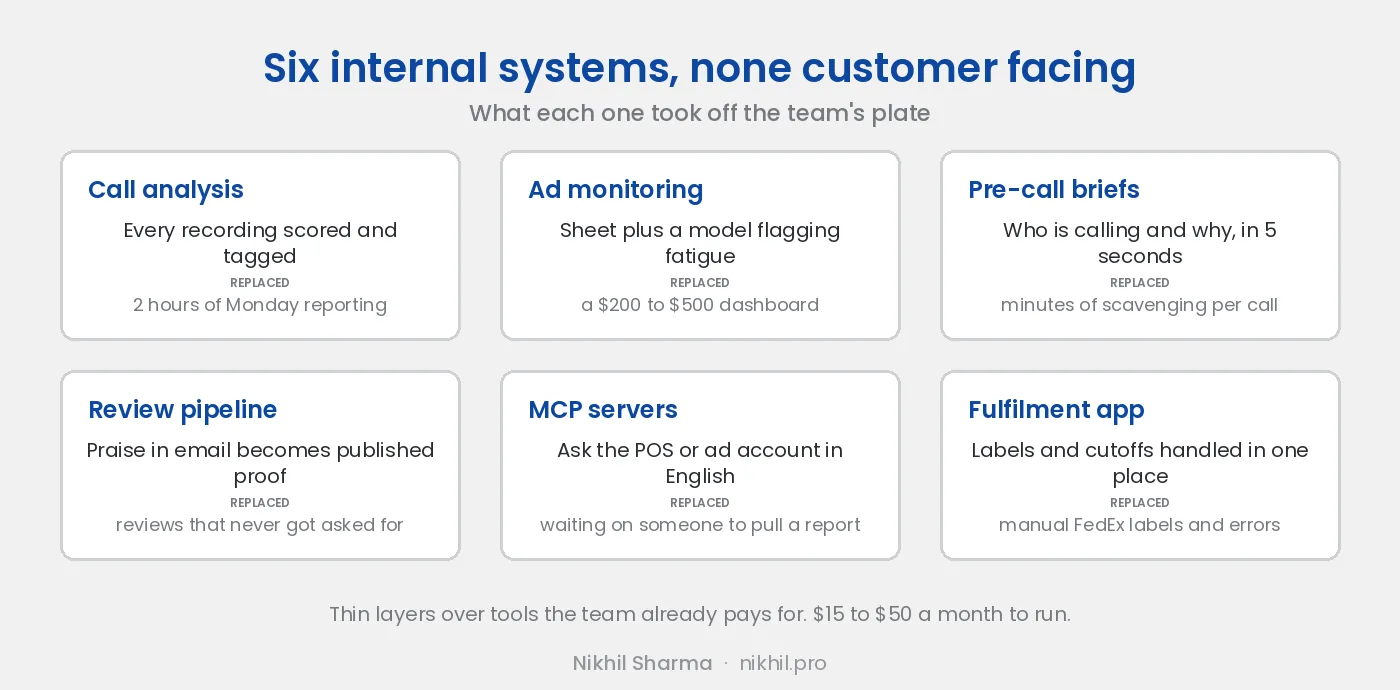
Call analysis. Every recording transcribed, translated where needed, scored for agent tone and customer sentiment, tagged by reason, written to a sheet the team already uses. Monday reporting went from two hours to ten minutes. The build, including what broke.
Ad account monitoring. A sheet that syncs from Meta on a schedule, with a model reading it to flag fatigue and new creative worth watching. Replaces a $200 to $500 a month dashboard. The build.
Pre-call briefing. An agent gets a five second summary of who is calling and why before they pick up. How it works.
Review pipeline. Praise that arrives in email and support threads, cleaned and published as reviews with permission. Why this one mattered most.
MCP servers. The owner asks the point of sale about Saturday’s sales in plain English. Google ships official servers for Analytics and Ads; when a system has none, I write one.
Fulfilment tooling. Not AI, but the same principle: an internal app that removed the manual label step and made shipping cost per order visible for the first time.
All six, and the principle that ties them together, are in AI workflows for Shopify and in the book of the same name.
How it is scoped
One call to find the task the team most resents. Then a fixed price for a defined outcome:
- The system runs on your real data.
- The team has used it for two weeks.
- The mistakes it makes are known and acceptable.
No retainer, no platform fee.
Who this is for
It is for:
- A store with a team of more than two or three, where someone reads tickets, reports or recordings by hand every week.
- A brand whose owner asks the same questions every Monday and waits for someone to pull the numbers.
- A support line where nobody listens to the recordings.
It is not for: a store that has not yet found its product, or a team that wants a chatbot to talk to customers. Both are fine goals. They are not what I build.
Start here
Bring the task that wastes the most time and the tool it lives in. If it is a fit, you will have a scoped price within a day of the call. If it is not, you will have the name of the simpler thing to do instead.
One call to find the task
Scope a build
Bring the task that wastes the most time and the tool it lives in. Fixed price within a day of the call, or the name of the simpler thing to do instead.
Want to see one running first
The write ups
Call scoring, the pre-call brief, the ads monitor and the weekly report, each with what it cost and what broke.